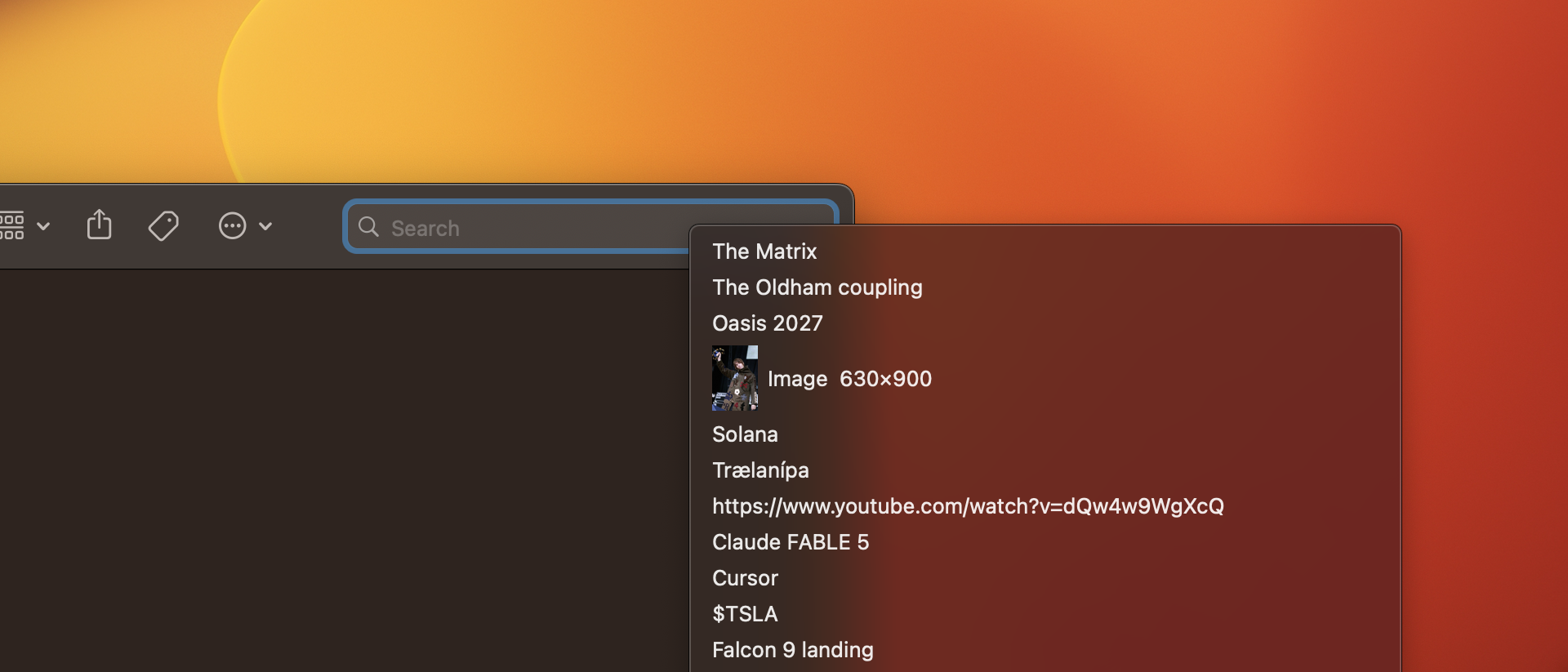
macOS only remembers the last thing you copied. Clipboard Manager fixes that. It sits quietly in the menu bar, keeps a history of your last 20 copied items and lets you paste any of them back in a couple of keystrokes. Everything runs locally on your Mac, with no dock icon, no network access and no account required.
It has always bothered me that my computer could only hold one copied item at a time. Copy something new and whatever came before is gone. It is a tiny problem, but one I ran into every single day. So I spent a few hours of my free time building a small tool that solves it for good. I shaped the design and interactions, and built it together with Claude Code.
Copy as usual. The app watches the clipboard and keeps your last 20 items, text and images, skipping duplicates along the way.
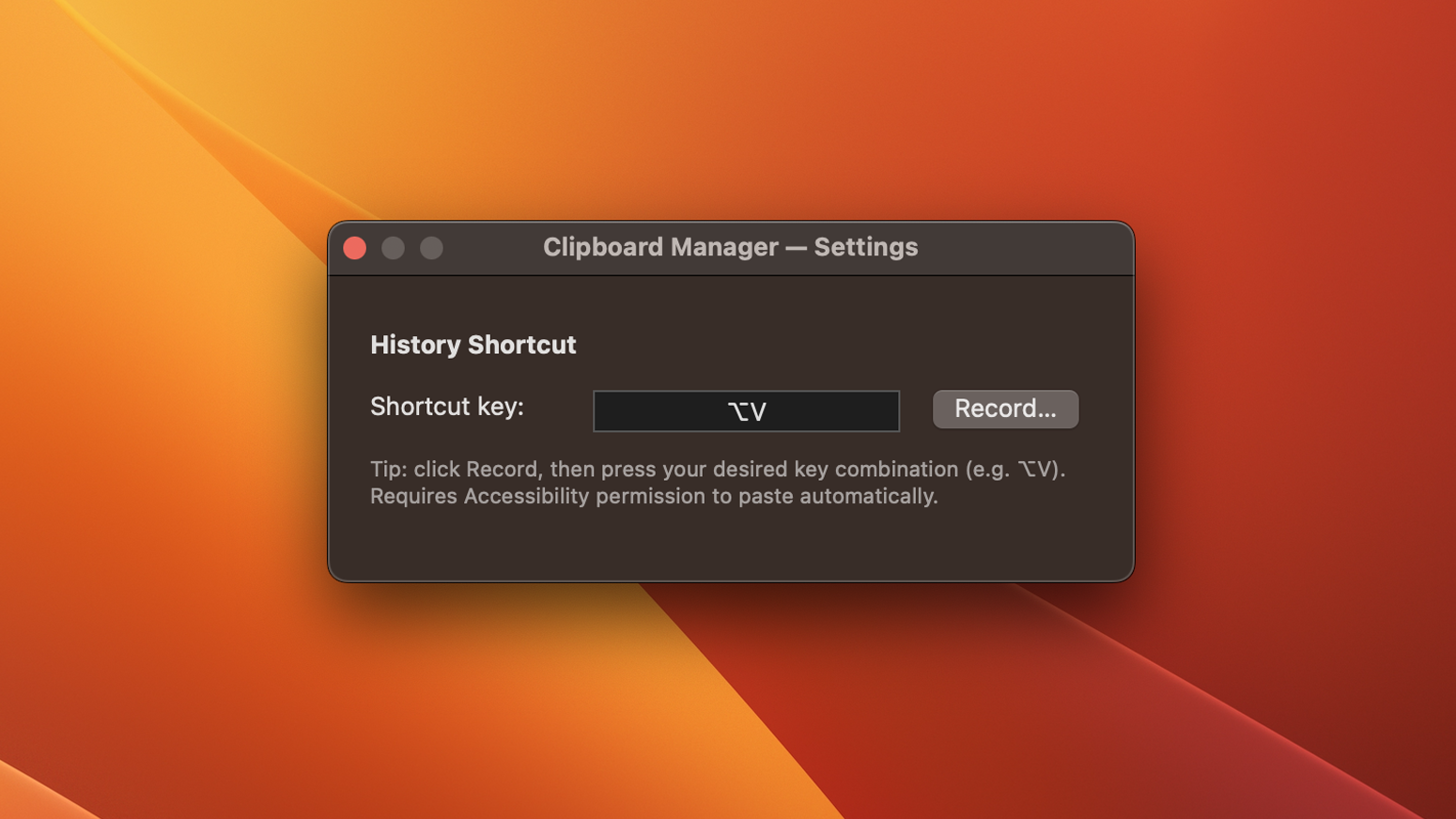
Press Option V anywhere and the history pops up right at your cursor. The shortcut is customisable in settings.
Pick an item and it pastes instantly. Images show as thumbnails, and files copied from Finder show their file names.
The history survives restarts, so your copied items are still there the next time you need them.
Clipboard Manager is open source under the MIT license. It is written in Swift and runs on macOS 13 or later on Apple Silicon.
View on GitHub ↗